
Reset SpartanOps
A reset restores SpartanOps to the clean image provided by the platform. Use it only when a broken configuration prevents further work and cannot be repaired manually.
- Save results and notes outside SpartanOps.
- Open the SpartanOps panel.
- Select Reset.
- Read the confirmation and continue only if you understand the data loss.
- Wait for restoration to finish before starting or opening the environment.
While Resetting is displayed, Start, Stop and Reset remain disabled. Do not refresh continuously or repeat actions.
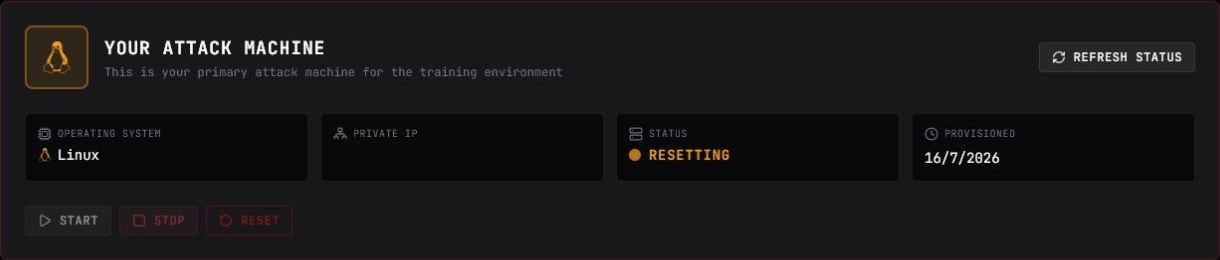
When it finishes, select Refresh status. If Running appears, open the console; if Stopped appears, start the machine normally.
A SpartanOps reset does not change flags or progress already recorded by the platform. It also does not reset Tasks: they are separate resources.
If restoration does not finish, avoid chaining actions and see SpartanOps troubleshooting.