
Deploy your environment for the first time
If your course includes SpartanOps, the platform will show the option to prepare the environment. Deployment creates the workspace for that learning path and enables access to it.
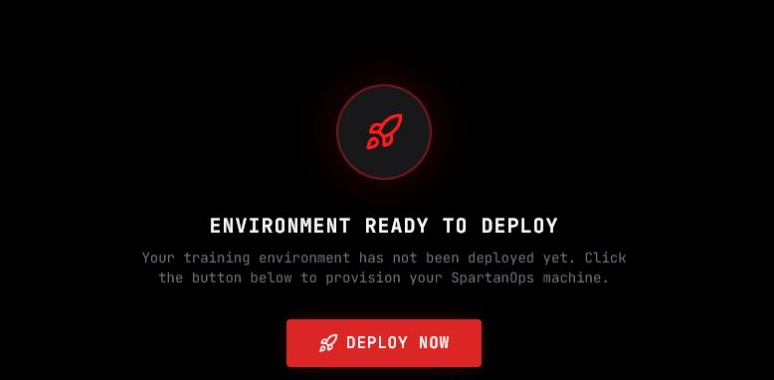
Before the first deployment, the panel shows Environment ready to deploy.
Deploy
Section titled “Deploy”- Sign in and open the relevant course.
- Open SpartanOps.
- Select Deploy now.
- Wait while the platform prepares the environment.
- When the option becomes available, open the console or desktop.
Preparation may take several minutes. Do not repeat the deployment or continuously refresh the page during this time.
If preparation does not finish or the access option does not appear, see SpartanOps troubleshooting.